Requires your own ComfyUI and models for generation. The app is currently primarily in Chinese. Beta packages are not Apple-notarized or commercially Windows-signed.
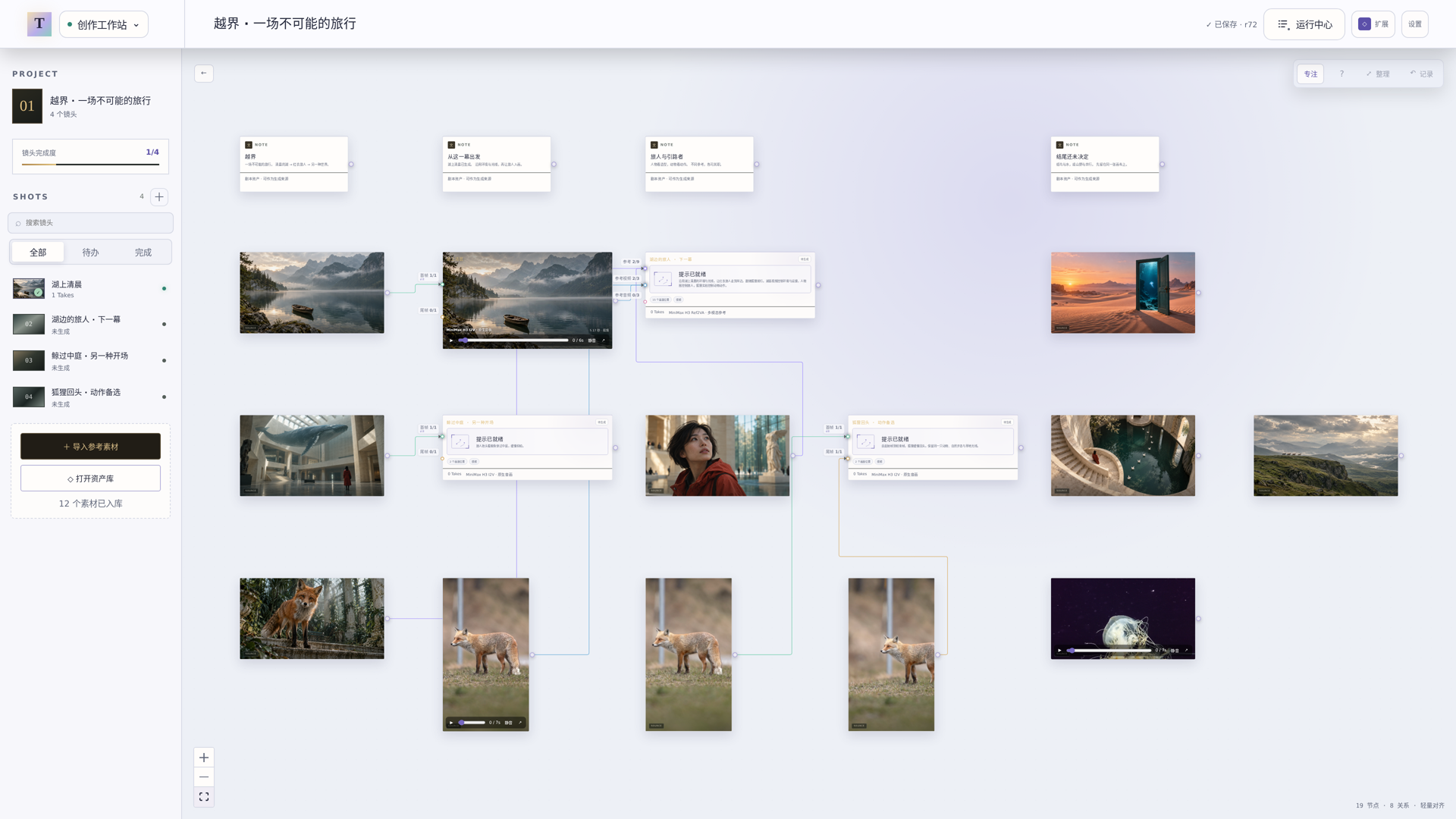
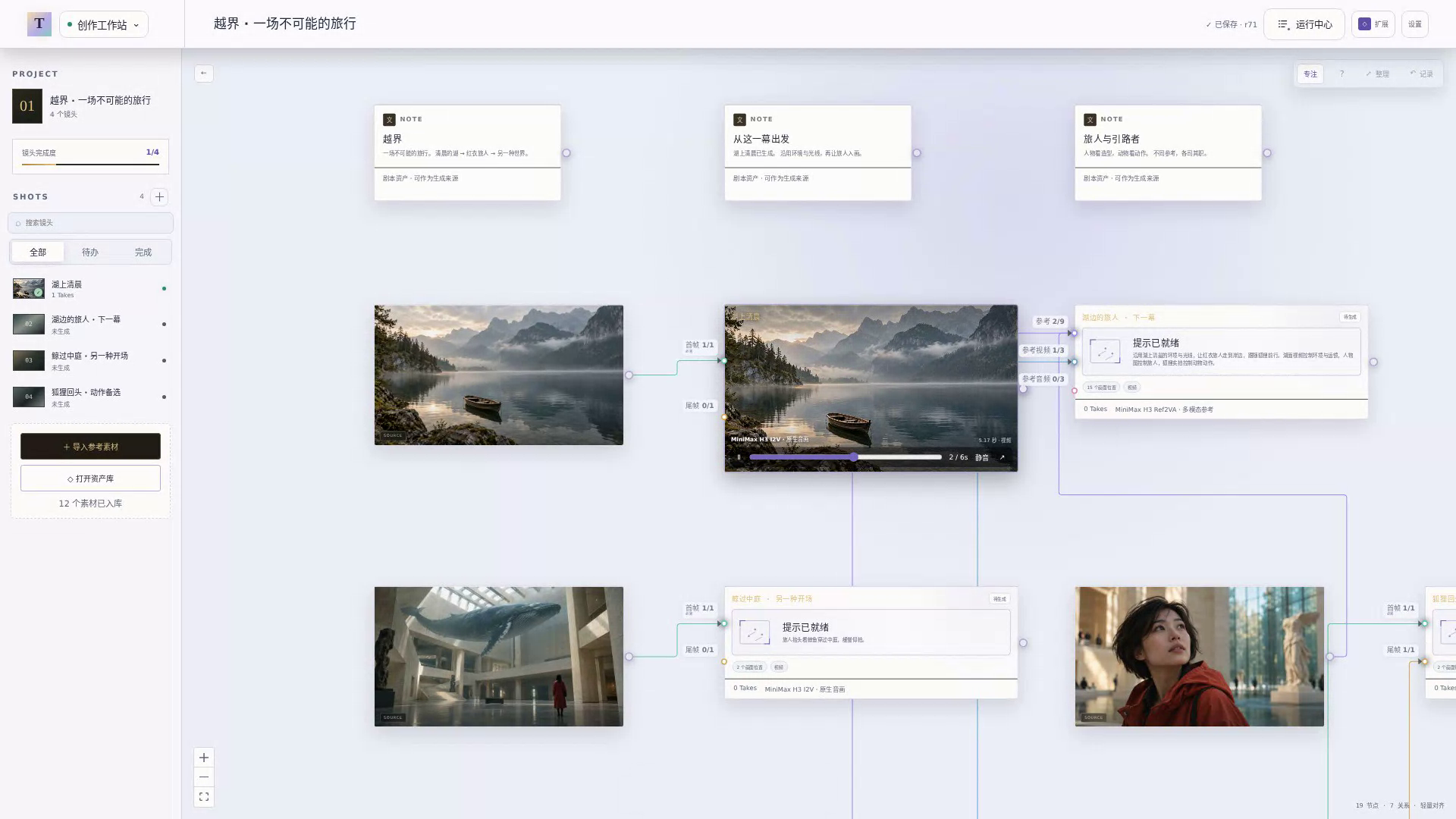
TakeBoard brings image and video creation onto a connected canvas, using your own ComfyUI to run the workflows. Use ComfyUI's editor when you need to change the underlying node graph. TakeBoard is an independent project, not affiliated with Comfy Org.
Does every imported workflow work?+
Start with a recommended template or import your own Workflow JSON, API Prompt JSON or PNG with workflow metadata. TakeBoard checks dependencies and inputs. Custom workflows may need parameter mapping and trust confirmation; unsupported graphs can be exported as API format from ComfyUI and imported again.
Do I need a cloud account or subscription?+
Local project management does not require registration. TakeBoard supplies no hosted GPU service. Your models, remote infrastructure and any third-party services have their own requirements and costs.
Where does my media go?+
A local project saves to your chosen folder. Remote ComfyUI receives the required inputs, and TakeBoard collects outputs into that project. Opening a remote TakeBoard project is a separate option: its files stay on the remote host.
Which models can I use?+
Recommended adaptations include Qwen Image, MiniMax H3, Wan 2.2 and LTX 2.3. You can also import custom workflows. Available inputs and generation options depend on the workflow and the models and nodes installed on your device. TakeBoard is currently in beta.
Is the desktop preview signed?+
Current packages are not Apple-notarized or commercially Windows-code-signed. Read the installation guidance; do not globally disable system protections to try an app.
Share the canvas.
Product descriptions, screenshots and an interaction video for your next article, tutorial or review.